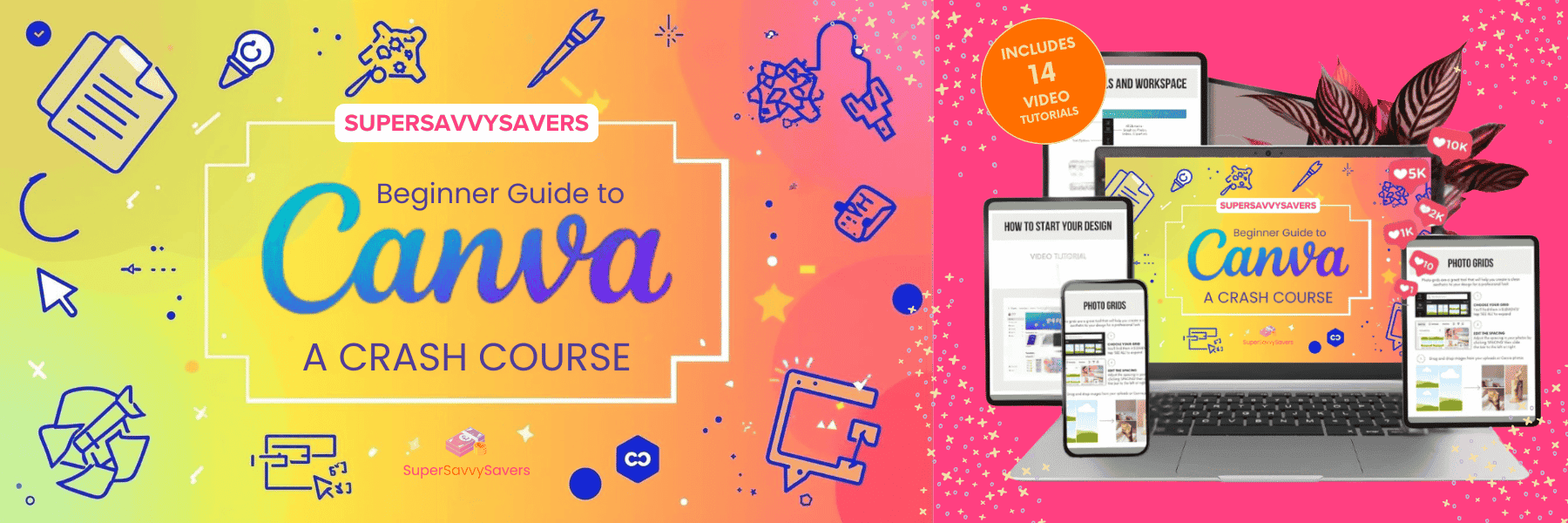
Beginner Guide to Canva - A Crash Course
Discover all the magical features that Canva has to offer. We cut the fluff so you can get creating amazing designs fast. Stop wasting time and start selling quick! Unlock the Canva know-how and open a world of profitable opportunities ✨
Who Is this course for?
This is for the busy individual, entrepreneur, coach, content creator, or small business owner who needs professional designs now and doesn't have time for a lengthy design school. If you want to immediately increase the quality and efficiency of your visual content, you need this course.
Unlock the Canva know-how and transform your design time into profitable results today!
50 Lessons
Course Contents
Welcome!
Contents Page
Getting Started with Canva
Getting Started with Canva
Starting Your Design
How to Start Your Design - Video Tutorial
Your Workspace
Tools & Workspace Part 1
Tools & Workspace Part 2
Your Toolset
Uploading Photos & Video
Photo Grids
Photo Frames
Photo Frames & Grids - Video Tutorial
Editing Tools
Editing Tools - Video Tutorial
Position Tool & Layers
Locking Design Elements
Position, Layers & Lock Tool - Video Tutorial
Font Pairings & Hyperlinks
Font Pairings
Adding Hyperlinks
Adding Hyperlinks - Video Tutorial
How to Set Up your Brand Kit
How to Set Up your Brand Kit - Video Tutorial
Canva Magic Studio
Background Remover Tool
Magic Eraser Tool
Magic Expand Tool
Magic Edit Tool
Magic Grab Tool
Magic Grab Text
Magic Resize
Photos Filters & Effects
Magic Studio Tools - Video Tutorial
Magic Design
Magic Design - Video Tutorial
Magic Media & Dream Lab
Magic Media & Dream Lab - Video Tutorial
Magic Switch
Magic Switch - Video Tutorial
Magic Write
Magic Write & Animate - Video Tutorial
How to Save & Share Your Projects
Saving & Sharing Your Projects
File Types & Where to Save - Video Tutorial
Apps & Other Canva Features
Canva Whiteboards
Canva Whiteboards - Video Tutorial
Intro to Apps
Creating Mock-Ups
Magic Morph
Replace Background
Canva Apps - Video Tutorial
Thank You!
BONUS! Guide to using ChatGPT and Canva
Bonus Content
BONUS! 100 ChatGPT Power Prompts
Bonus Content